Peer-to-peer · Local-first
Listam
Lists for everything.
Servers for nothing.
A peer-to-peer life list system. Infinite lists across chores, work and personal projects, one daily plan that pulls them together — synced straight between the devices you own.
No account · no server · your disk
Invite Link
Open this list in Listam
If the app is installed, it should open automatically. If not, use the button below.
Invite code:
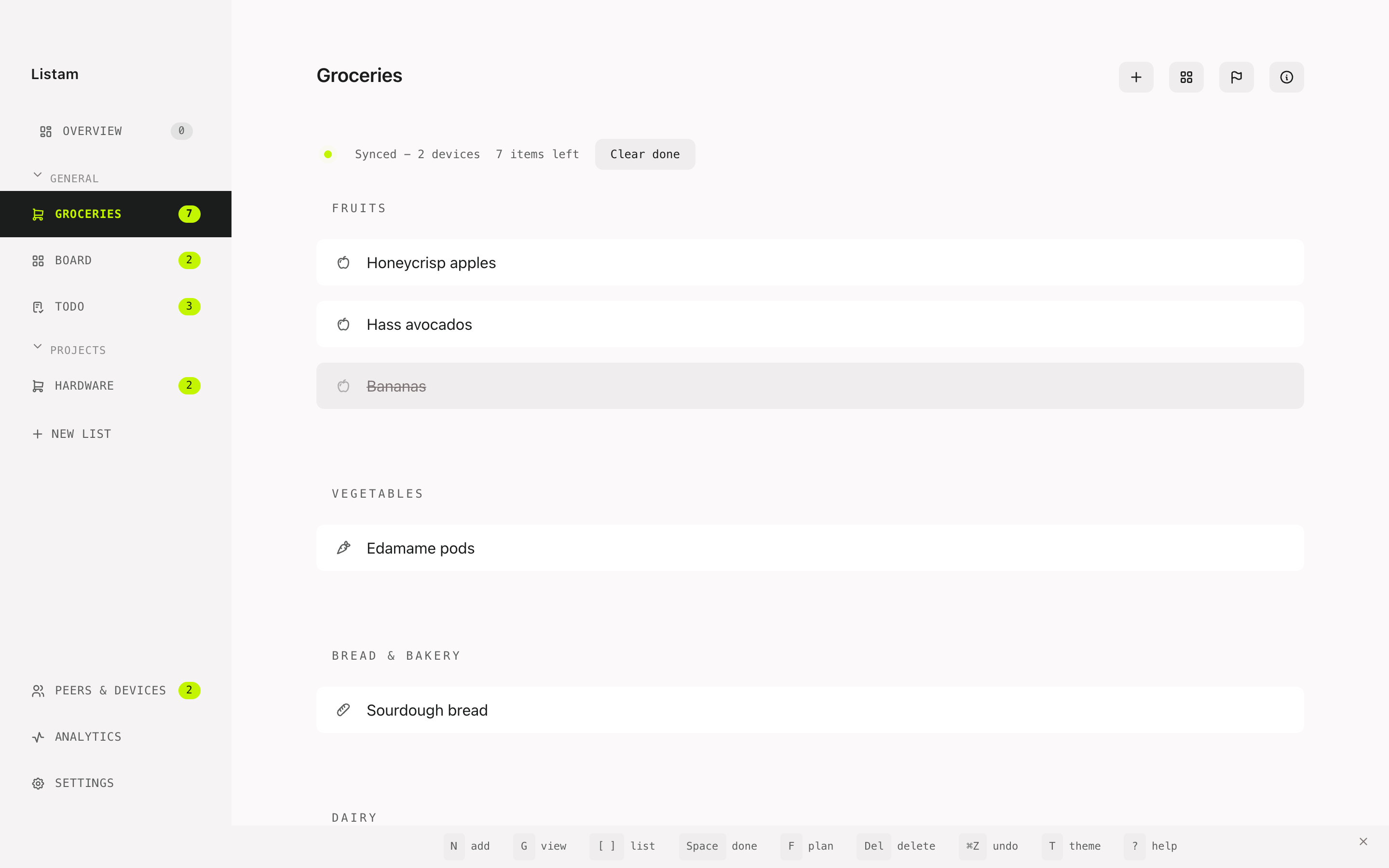
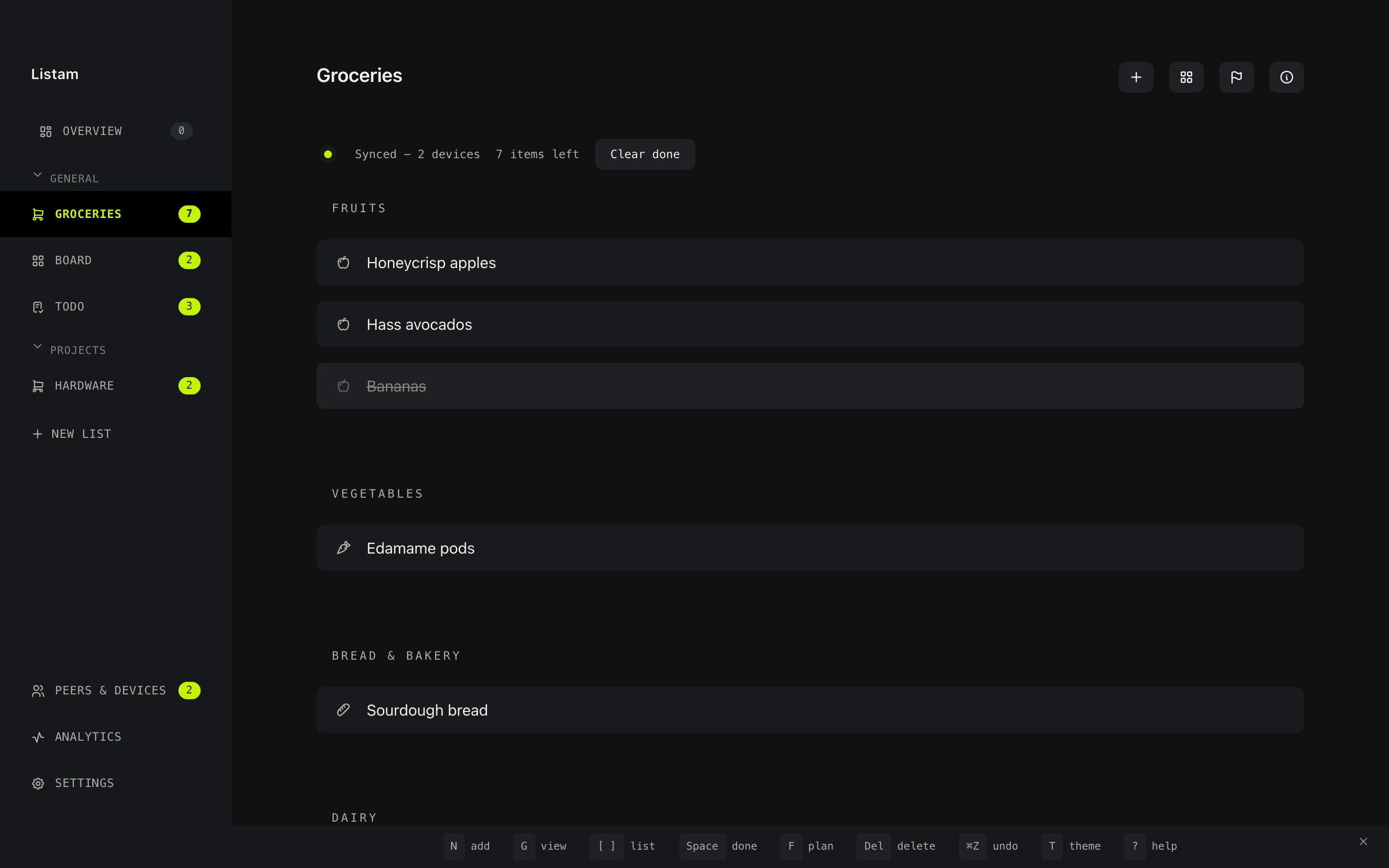
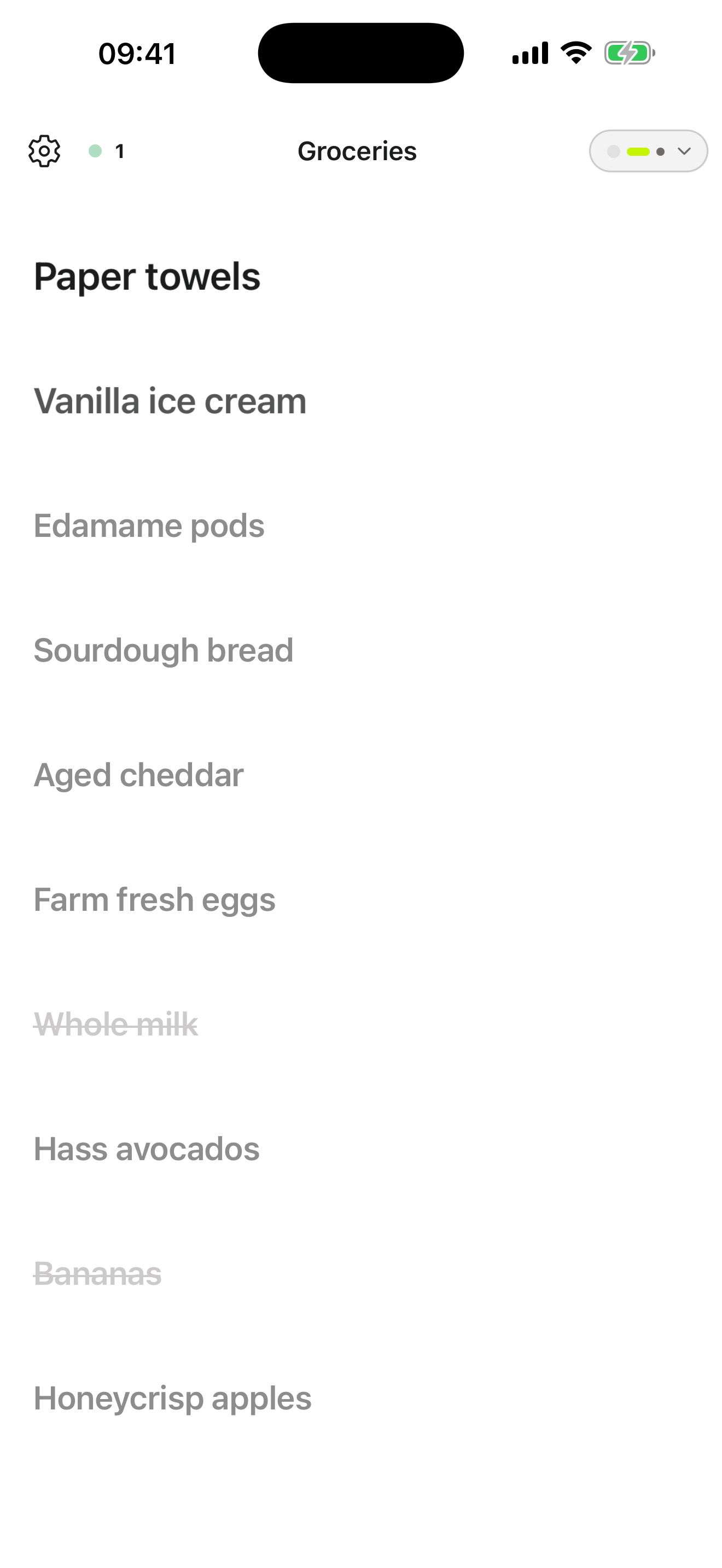
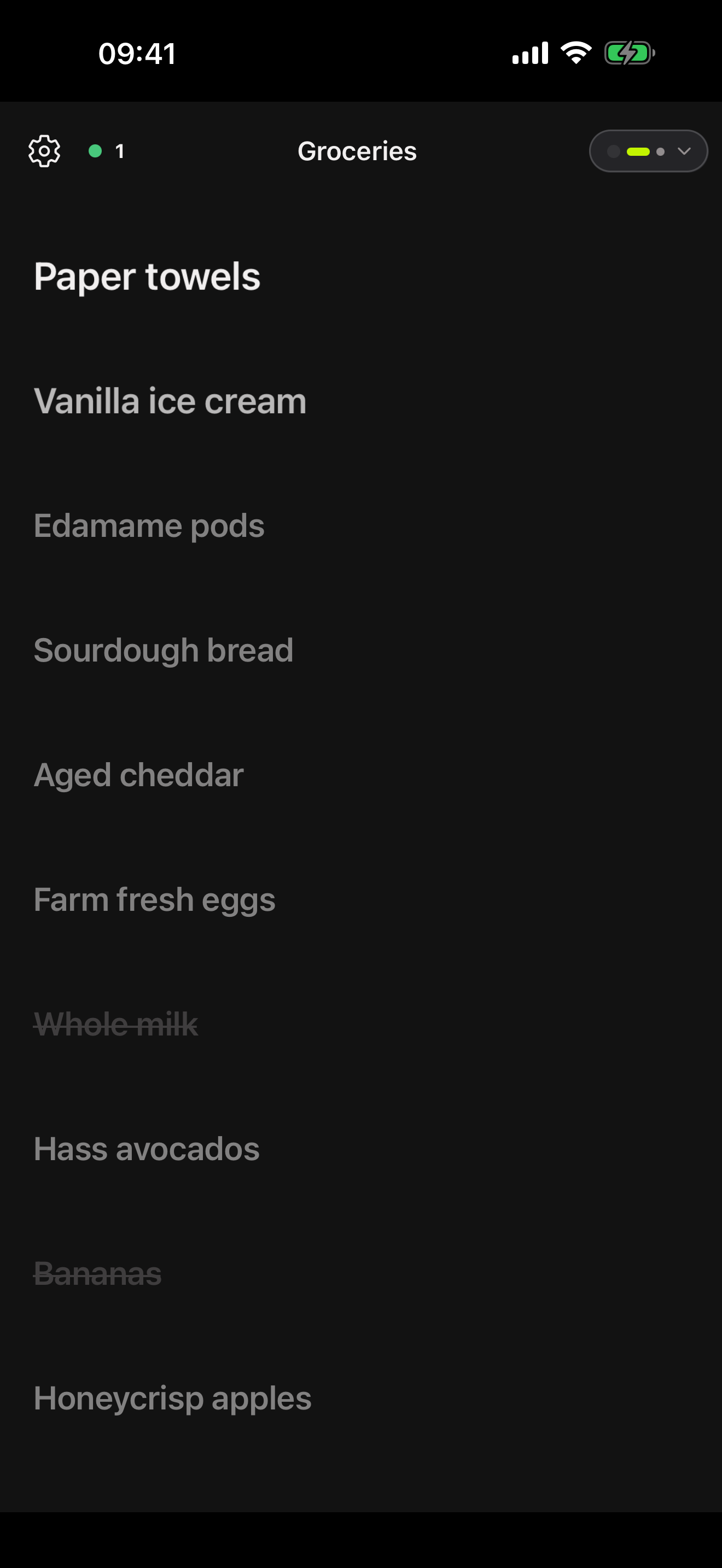
Start with a grocery list.
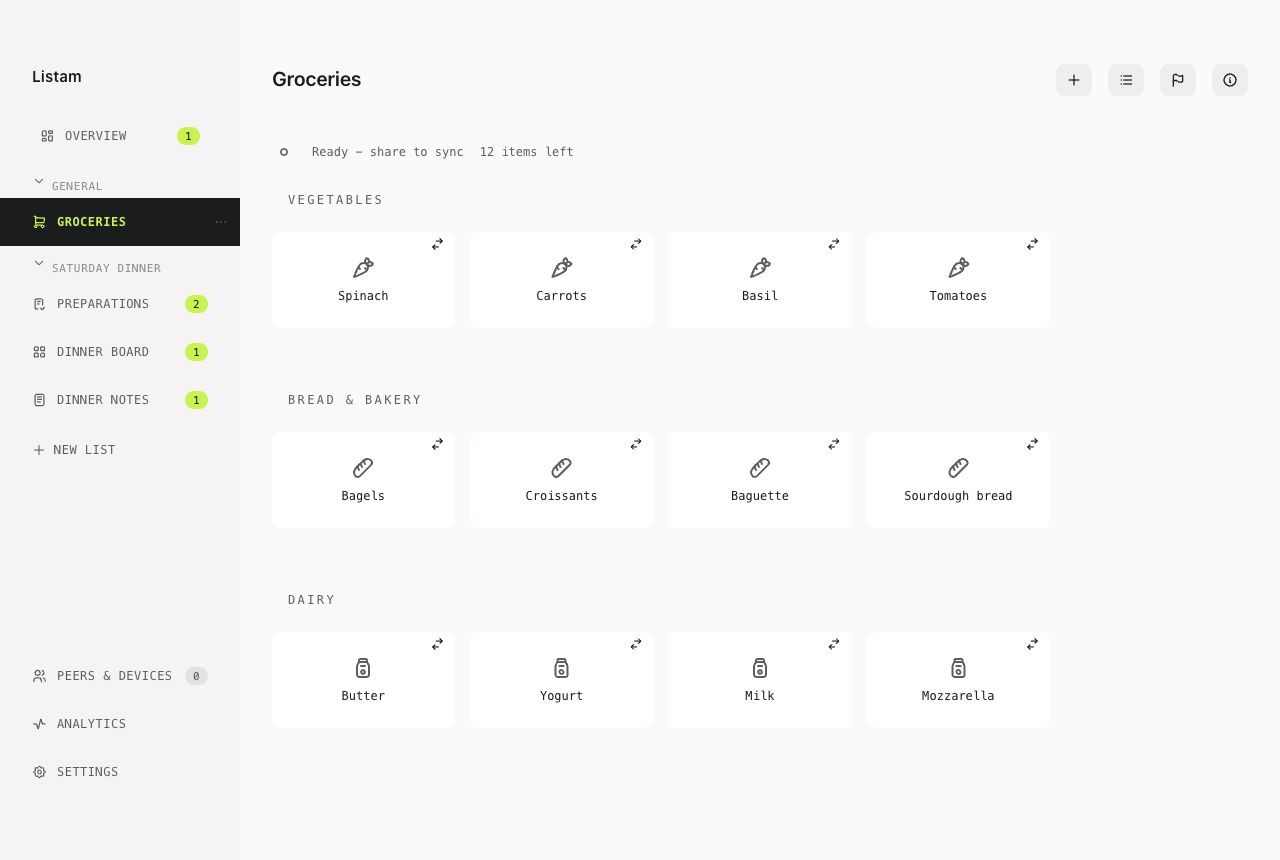
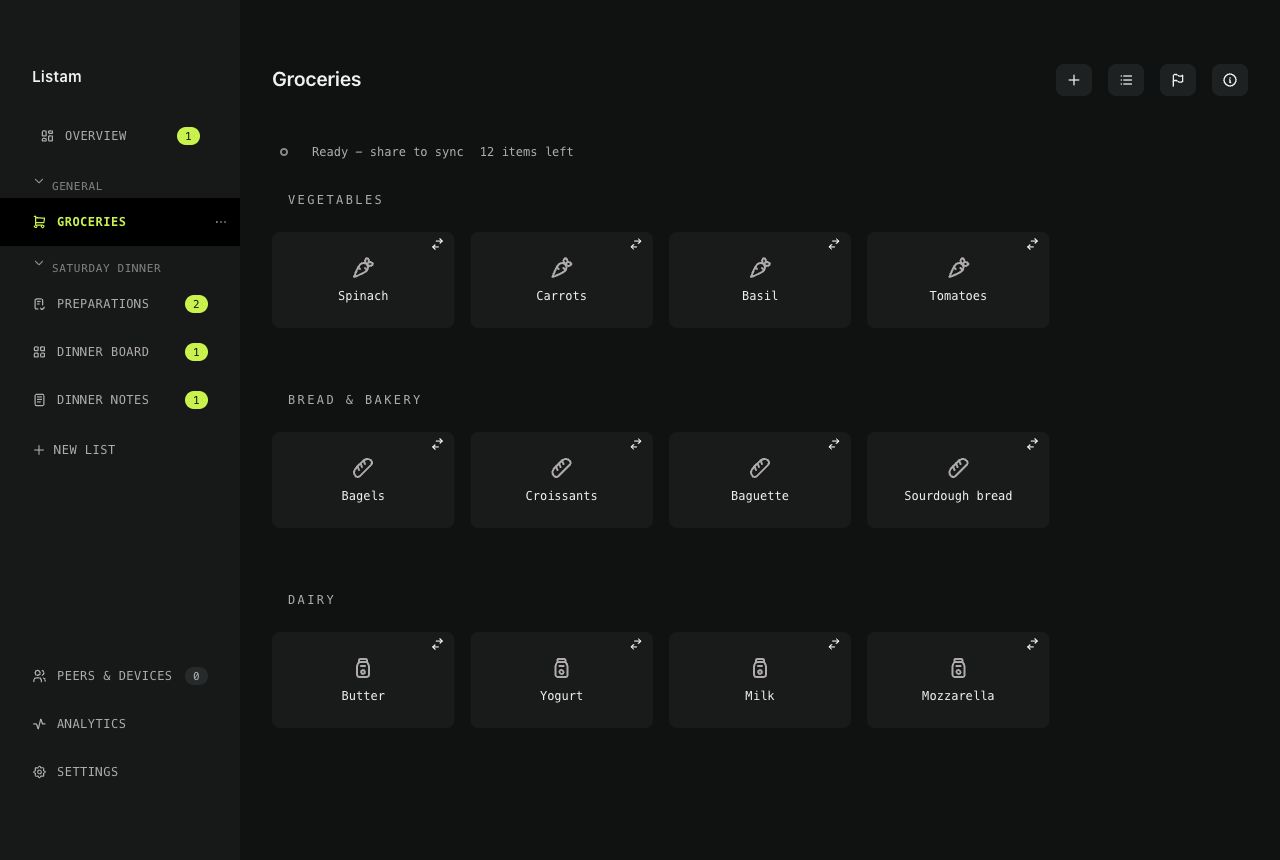
That is the entire first run: type milk, hand someone an invite, watch it land on their phone. Items sort themselves into aisles. No account, nothing to configure.
Plenty of people stop there, and it is a whole product on its own. But the same list engine runs chores, work and projects — so when you want more, it is already underneath you.
Then it grows, one rung at a time
Groceries
Aisle-sorted, shared with the household.
A to-do list
Chores and errands. Text, a checkbox, nothing else.
A board
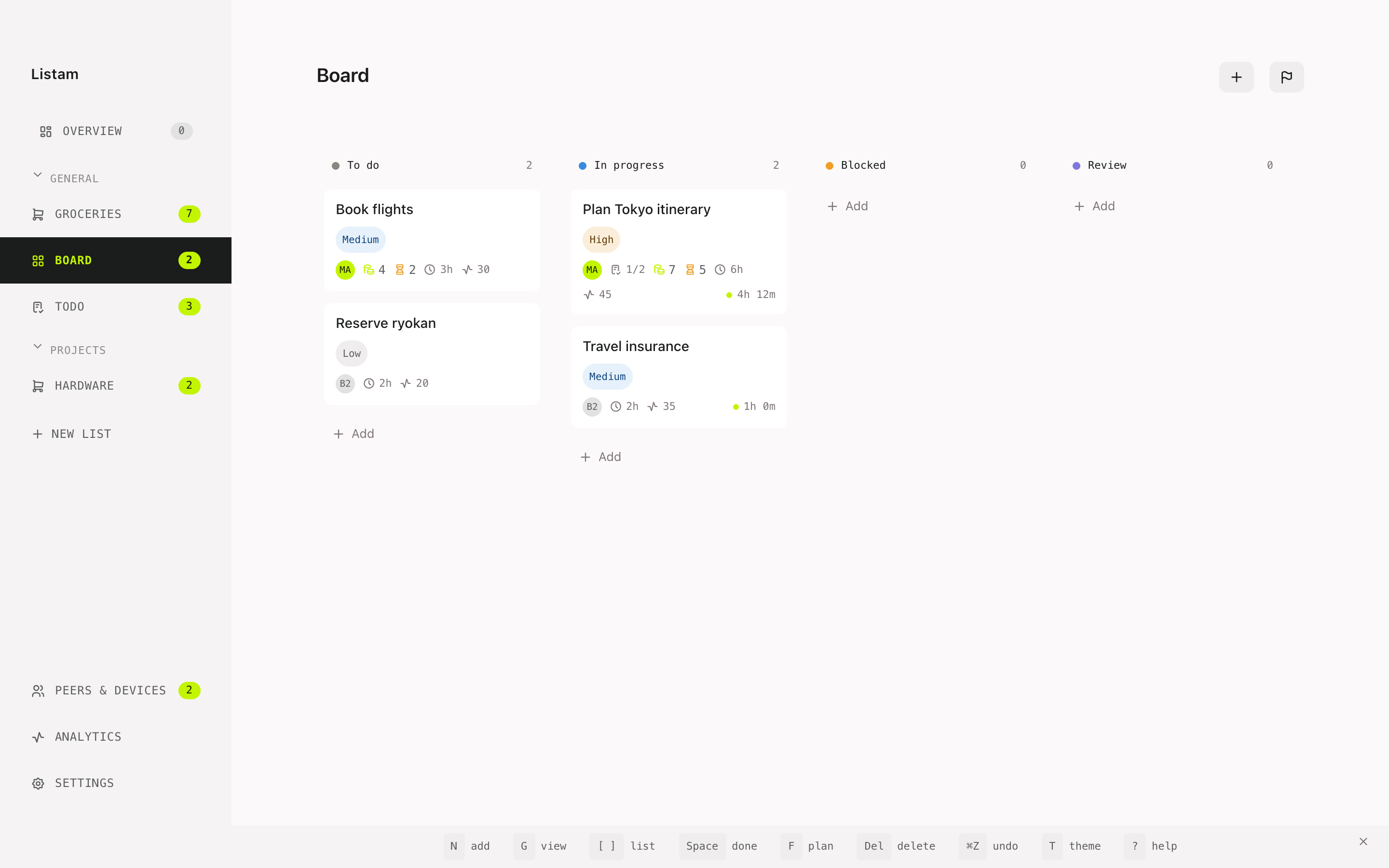
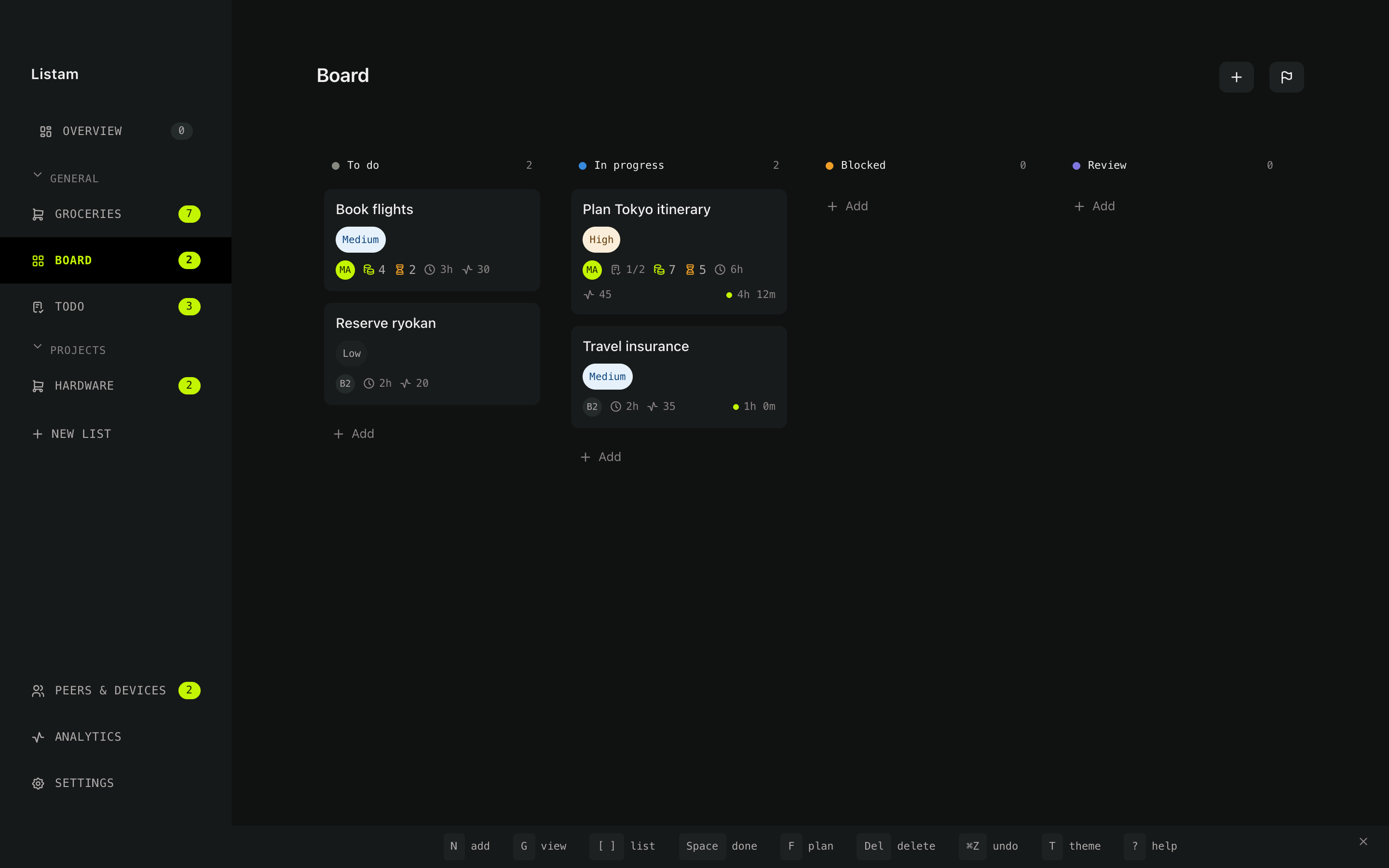
Work and bigger projects: columns, estimates, time tracking.
Groups
Shelve lists under the parts of your life — General, Projects, a trip, a renovation.
The daily plan
One Overview that crosses every list: what you actually intend to do today.
As many lists as your life has parts.
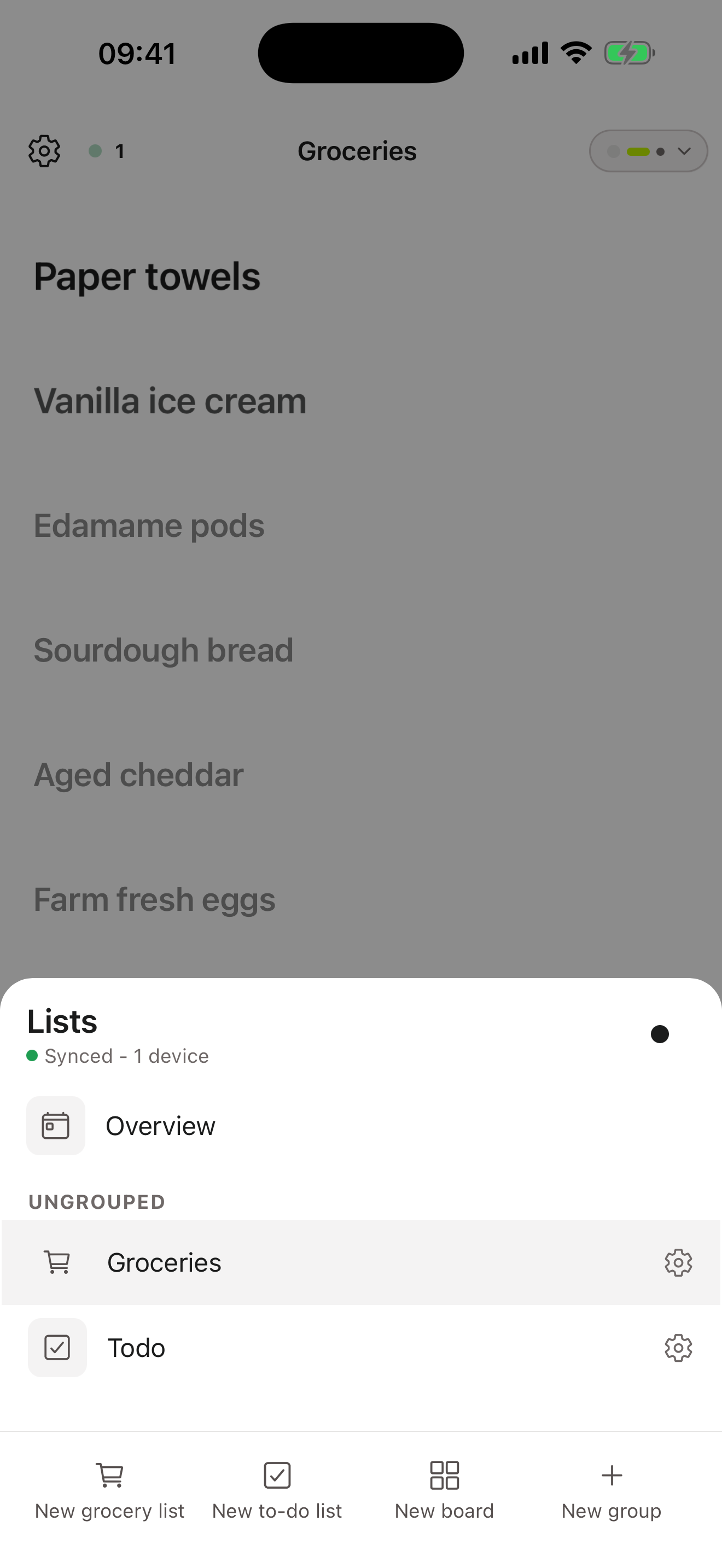
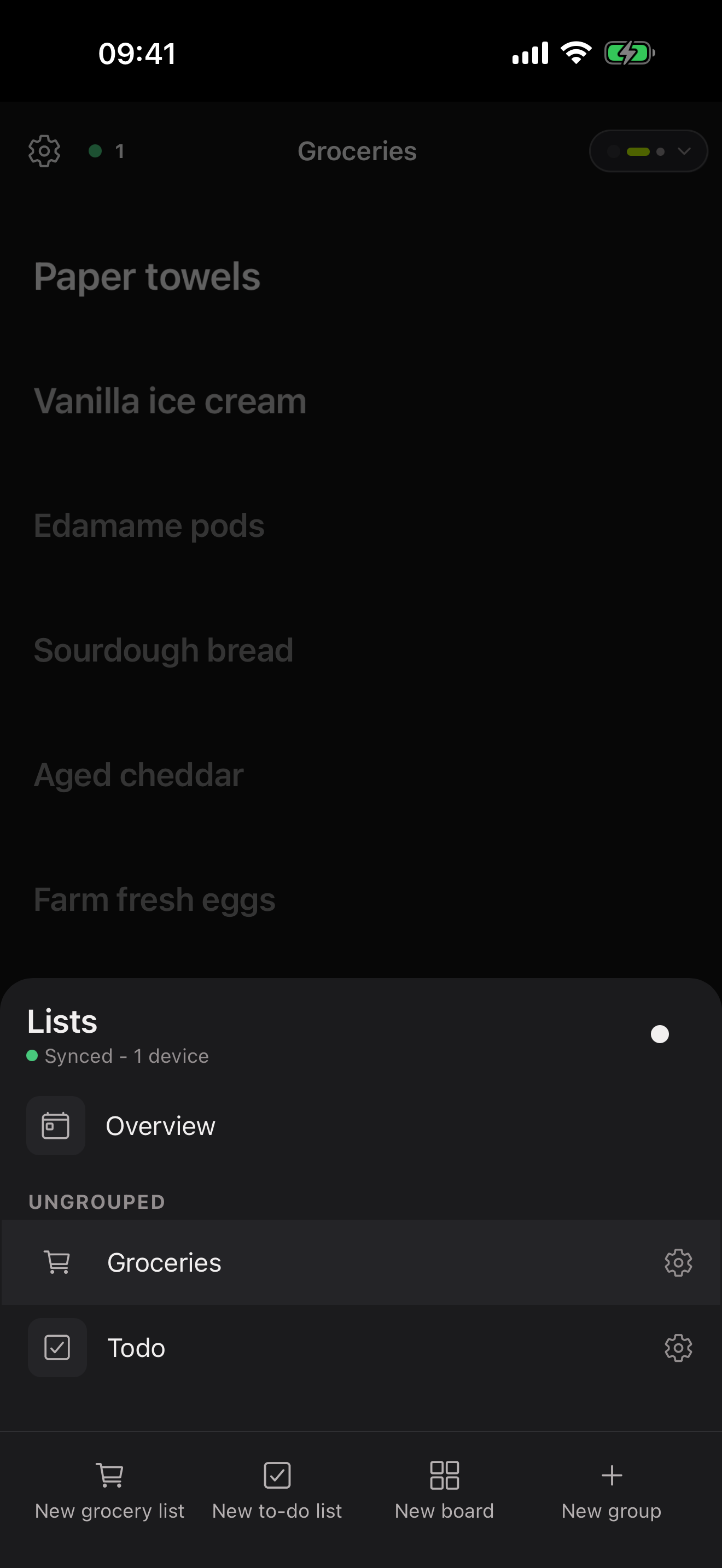
Make a list per shop, per room, per project, per trip. Group them so the sidebar reads like your week rather than a pile. Three list types cover it:
Grocery
Items land in the right aisle on their own, so the list reads in shop order.
To-do
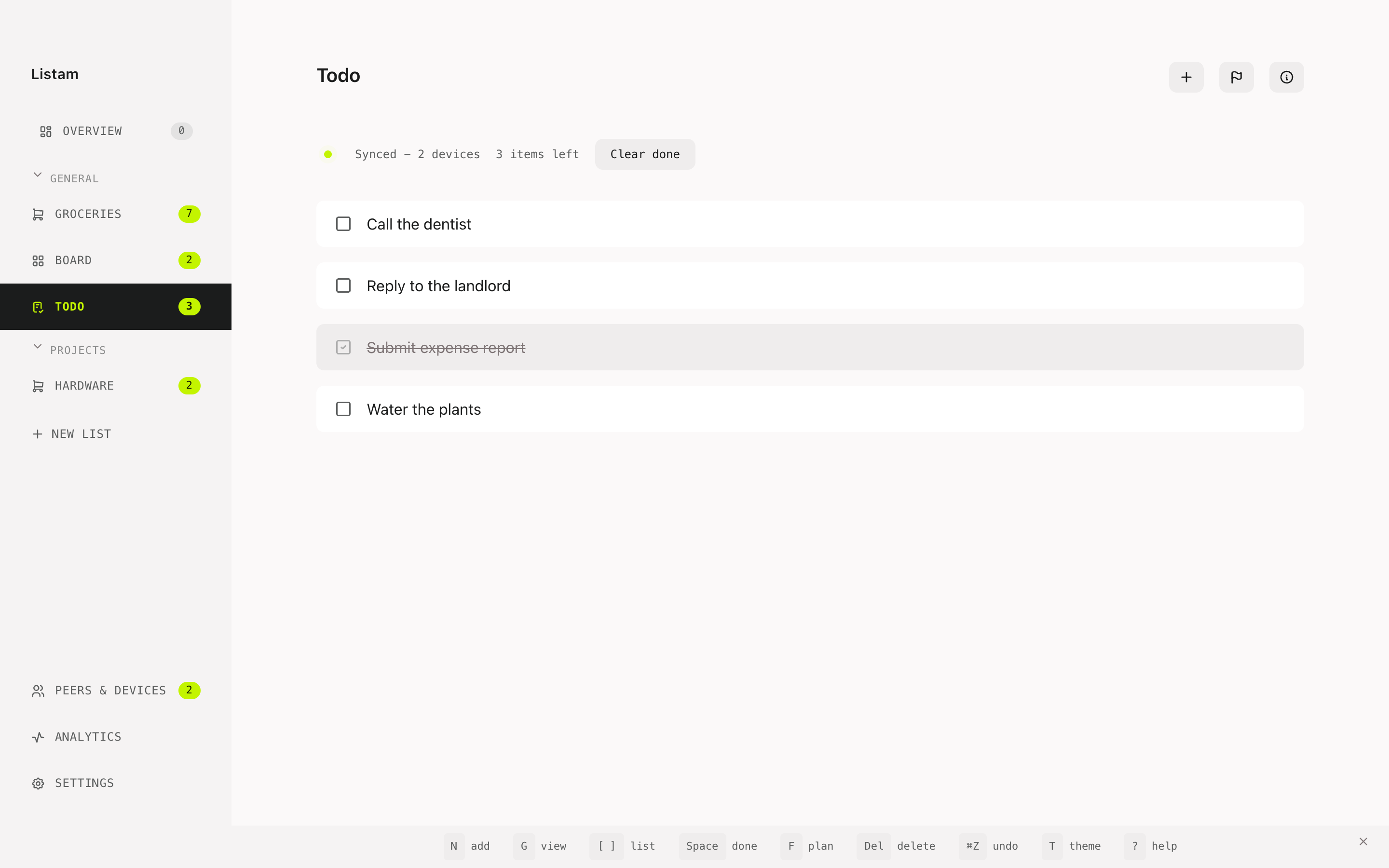
Text and a checkbox. For chores and errands that need no ceremony.
Board
Columns, priorities, estimates and a running timer — for work and side projects.
One plan for the day.
Lists tell you what exists. The Overview tells you what today is. Star or drag anything from any list into a day — the bread you need on the way home, a call you have been avoiding, one card off the renovation board — and whatever you miss carries forward instead of quietly disappearing.
Three apps, one set of lists.
Every app runs the same peer-to-peer engine and the same list logic. What differs is the job each one is good at.
Phone · everyday
The one in your pocket
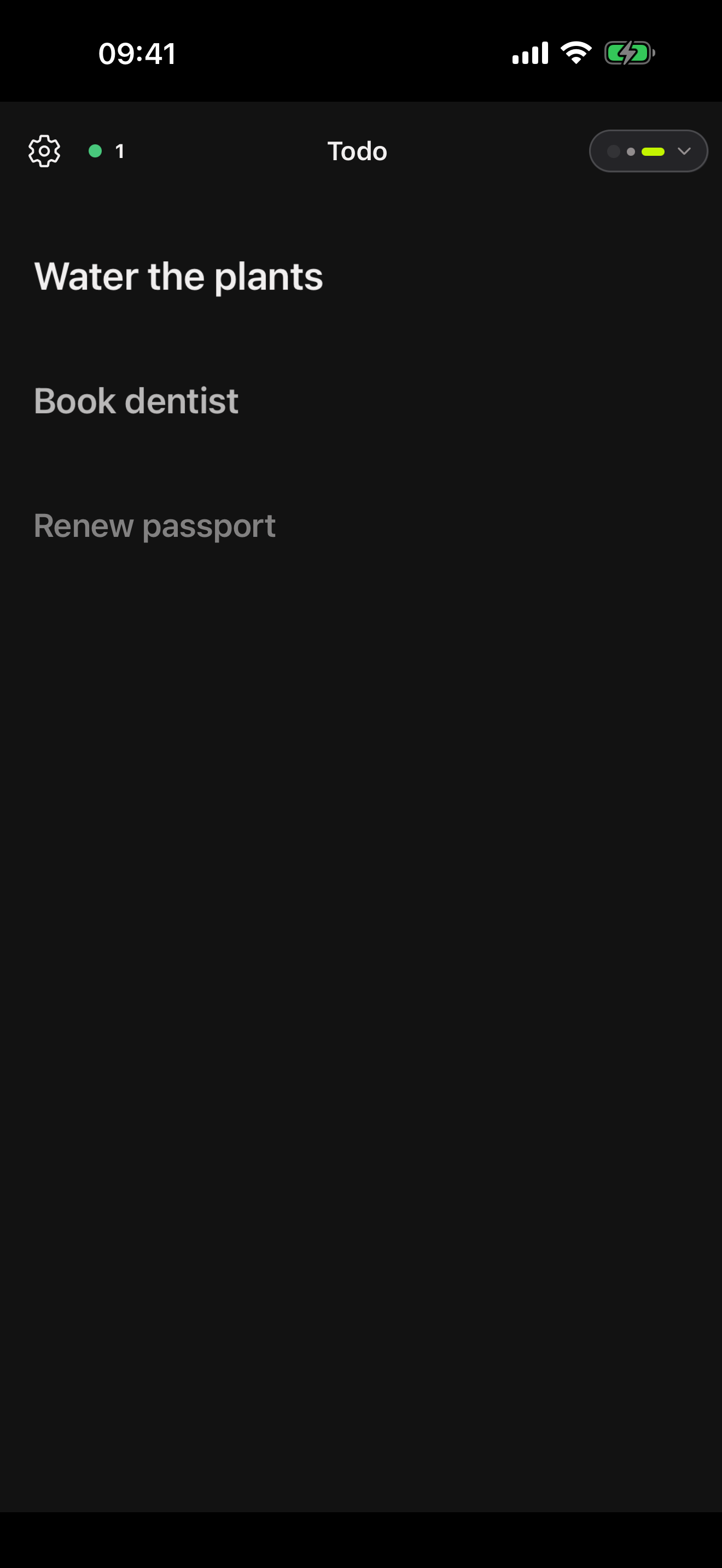
One list at a time, rows big enough to hit while walking, and the item you are on reads larger than the rest. Swipe left to delete, right to star into today's plan.
It works with every other device asleep: adds are written locally first and sync the moment a peer shows up. On Android today, with iOS on the way.

Desktop · the power surface
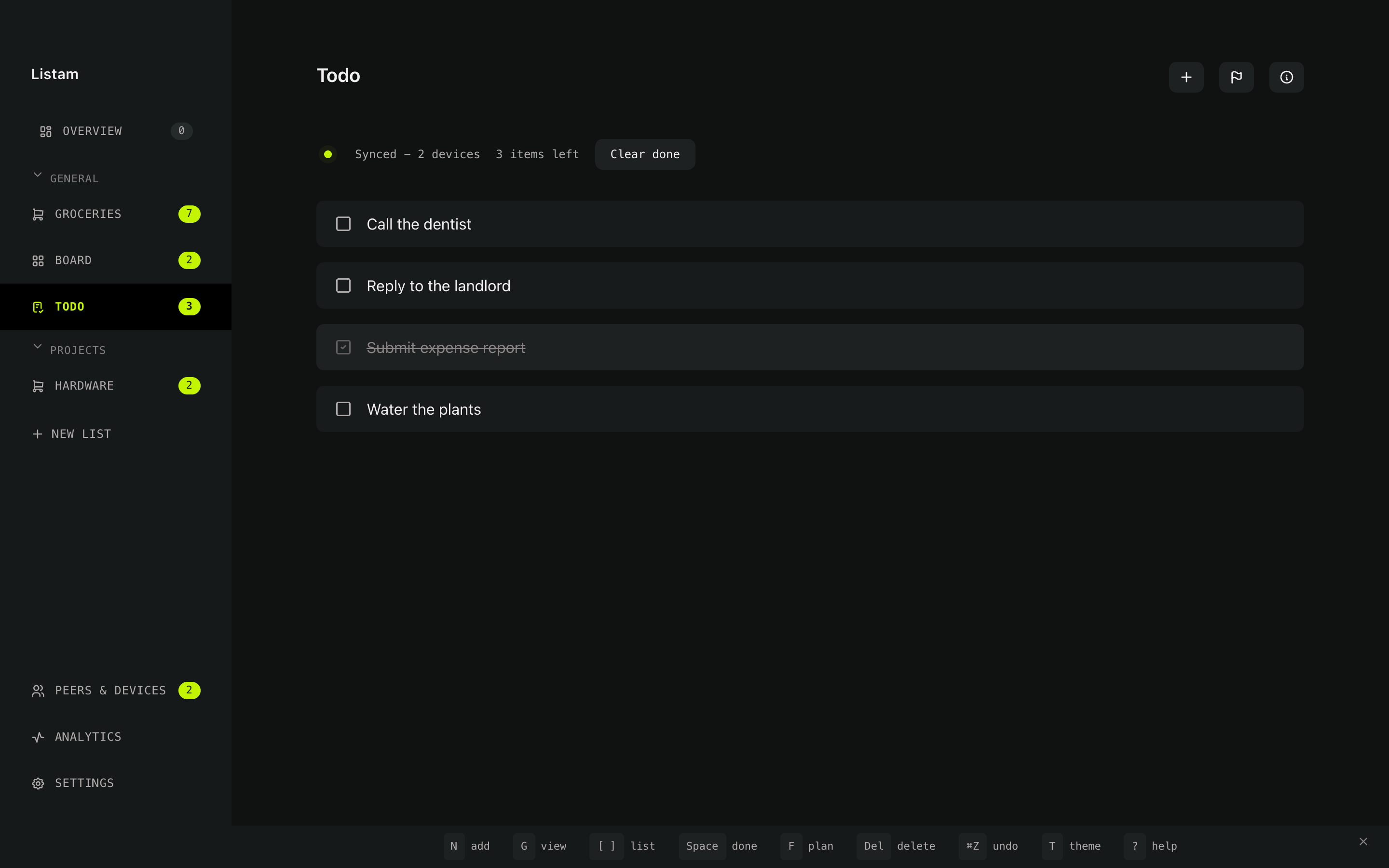
Every list at once, hands on the keys
The desktop app puts every list in one sidebar and never asks you to reach for the mouse. It is where boards get their estimates and timers, where Analytics tells you how far off those estimates were, where you see which peers and devices are live, and where encrypted backups are set up.
macOS, Windows and Linux, on the Pear runtime — so updates arrive peer-to-peer too.
The map you actually use
The same strip sits at the bottom of the app, so the shortcuts are learnable without a manual — and it hides with H once you know them.
Headless · always on
The peer that never sleeps
With no servers, your lists live only on your devices — which means that while every one of them is asleep, nobody can sync. listam-headless is the answer: a small Node peer for a Raspberry Pi, a mini PC or a NAS that stays awake, holds the full history, and hands it to whichever device comes online next.
One command installs it as a service that survives reboots. It can also run as blind-storage — keeping an encrypted copy of everything while never holding the key that could read it.
Set one up →npm install -g listam-headless
listam-headless install --storage ~/listam \
--invite <code>
{ "ok": true,
"unit": "listam-headless.service" }
listam-headless status --storage ~/listam
{
"role": "participant",
"peerCount": 2,
"itemCount": 13,
"backup": { "scheduleEnabled": true },
"stale": false
}
No servers. Not "our servers".
Devices talk directly
Built on Holepunch and Hypercore. Your devices find each other and replicate between themselves. There is no account to make and no middle to subpoena.
Sharing is an invite, not a login
You hand someone a single-use code that expires in about ten minutes. They confirm before anything joins. Sharing is per project, so a household list and a work board stay separate.
Offline is not an error state
Everything is written to your own disk first, so the app is fully usable on a plane or in a basement shop. Edits made in parallel merge without a central referee deciding who won.
Readable and yours
No tracking, no ads, no data mining, and encrypted backups you hold the password for. Read the source, build it yourself, run the always-on peer on your own metal.
AI Wiki
The living map of Listam
Read the architecture notes, security review, and multi-app plan in the AI Wiki. It is built for humans and AI agents working on Listam together.
Architecture
Mobile runtime, P2P primitives, storage, and data model notes in one place.
Security Review
Invite, writer, revocation, secret-storage, and logging risks tracked against the plan.
Multi-App Plan
Desktop, headless, shared packages, testing, and implementation milestones.
Where it stands
Shipped
MULTIPLE LISTS & GROUPS
Infinite grocery, to-do and board lists, shelved into groups.
DAILY OVERVIEW PLAN
Pull items from any list into a day; misses carry forward.
BOARDS & TIME TRACKING
Columns, priorities, estimates, timers, and congruency analytics.
GROCERY CATEGORIES & ICON VIEW
Items sort into aisles; a picture grid for scanning a shelf.
LOYALTY CARDS
Scan and keep your shop cards in the app, next to the list.
ENCRYPTED BACKUPS
Password-encrypted export and import, on a rolling schedule.
DESKTOP APP · BETA
macOS, Windows and Linux on the Pear runtime.
ALWAYS-ON PEER · BETA
Headless Node peer for a Pi, mini PC or NAS you own.
Next
Voice Assistant
Add and complete items by talking to the room, with the speech recognition running on your own machine.
Leaf Peer Hardware
A small ESP32 node that mirrors the list and listens for the wake word, without ever holding a key that can read it.
Push Notifications
Know when someone adds or finishes something, without routing it through a notification service.
Dynamic Ordering
Reorder a grocery list to match the shop you are standing in, learned from your own history.
Meal Suggestions
Turn what is already in the list into something to cook, and back into the items it still needs.
Area Offer Protocol
Hyper-local peer-to-peer broadcast of the discounts actually available around you.
Team Worktools
Shared workspaces for teams that want local-first lists, procedures and operations tooling.
AI Federation
Helpers that coordinate across trusted local-first apps and the devices you own, not a cloud account.
Get Listam
Phone
Support development and get automatic updates.
Desktop & always-on peer
The desktop app for macOS, Windows and Linux, and the headless peer for your own hardware.
Go to DownloadsListam is a labor of love. The subscription fee is minimal to cover app store fees and support continued development of P2P software.
The Meaning of the Logo
The Listam logo is based on the I Ching hexagram Tong Ren, which symbolizes "Fellowship with Men" or "Harmonizing People".
This symbol connects deeply to our P2P nature. It emphasizes community, decentralization, and collaborative list management-reflecting a world where people come together to organize their lives harmoniously, without intermediaries.